
For creators
Create in Studio
Images, video and short films, with an AI agent to write them. No code.
Short filmsAI agentVideo editor
Open StudioFor creators
Create in Studio
Images, video and short films, with an AI agent to write them. No code.
Pick a model
Try any model
Run any image, video or chat model in your browser.
For developers
Build with the API
One key for every model, OpenAI-compatible.
Hot right now
 01Spicy
Uncensored video API
Turn text, a still or ten references into 2 to 30 seconds with sound.
Open the model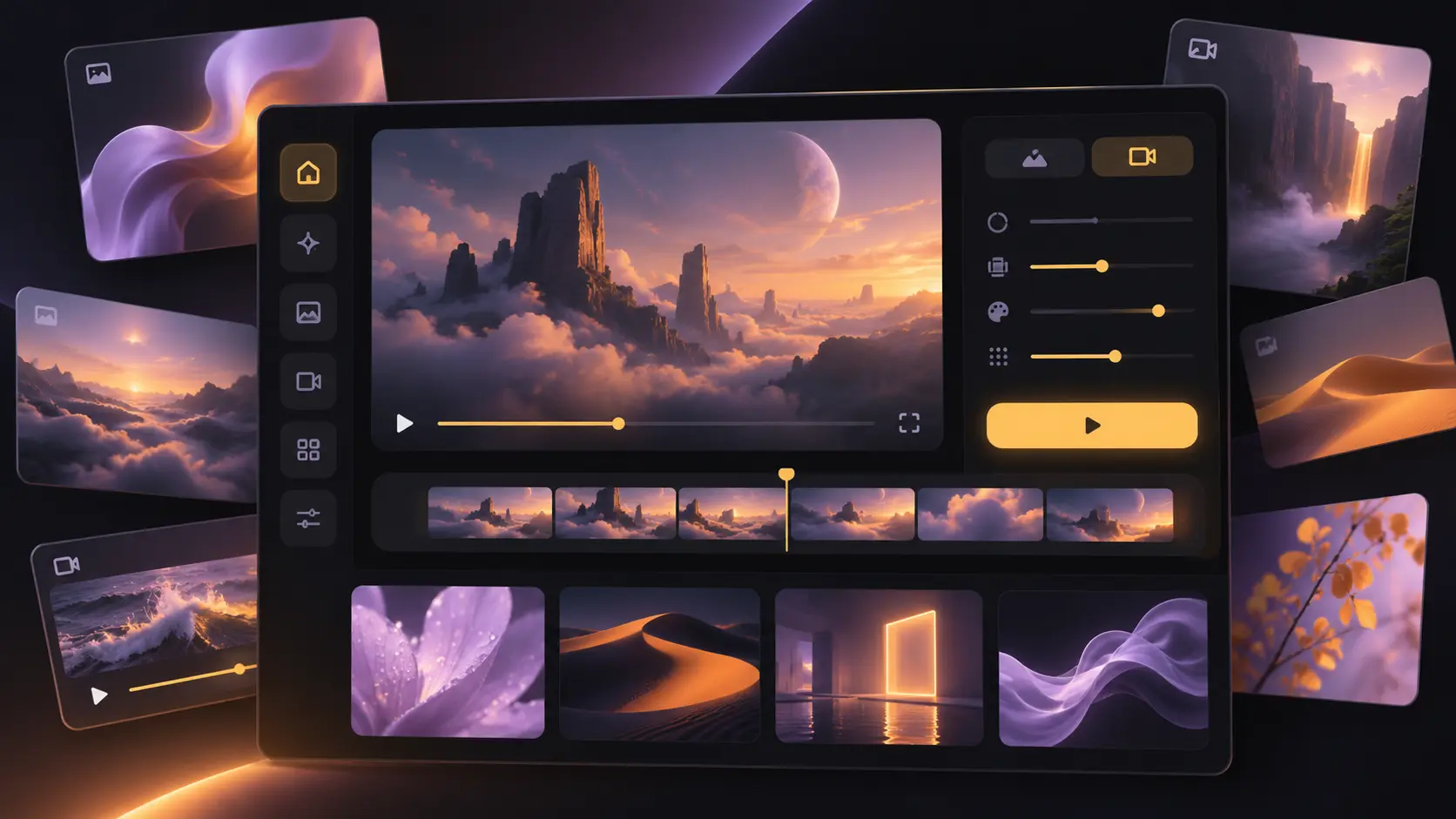 02New
Uncensored image API
Text to image, editing and layer decomposition through one endpoint.
Open the model 03Fresh
Uncensored text API
OpenAI-compatible chat with streaming and fiction-ready system prompts.
Open the model04OpenOpen-weight image API
Fast text-to-image and editing for character sets and product scenes.
Open the model05VideoCinematic video API
Text and image to video with sharp motion, sound and reference control.
Open the model06ImageImage editing API
Instruction editing, composition shifts and precise visual restyling.
Open the modelOne account, every surface
A studio for creators, one API for developers, tools for AI agents and rankings for anyone choosing a model — all on one account.
For creators
Make images and short videos right in the browser — no code, no platform filter. Start from a style or an effect, then keep shaping it on the canvas.
No brief, no gatekeeper
Pick by task, read what the model actually accepts, and see the plan before you send anything. No declaration, no queue.
Browse every modelPOST /v1/images/generationsLIVE{
"model": "seedream-5.0-pro",
"prompt": "editorial still, molten light…",
"size": "1536x1024"
}Built for the unfiltered work
One account, one key and a catalogue that tells you what each model actually accepts before you spend a run.
We add no platform-side content classifier, ask for no per-request declaration and keep no approval queue. Each model page states what that model accepts.
Browse uncensored modelsMedia generation shares one task lifecycle; chat uses the OpenAI format with streaming. Reuse your authentication, callbacks and billing as you add models.
See the API surfaceCreate in Studio, automate with MCP and ship through the API. Your plan and account follow you across every surface without a second login.
Compare plansSet retention for generated files, prompt text and uploaded references, or destroy a finished task’s outputs outright. The billing record remains; the content does not.
Read the privacy noteOne key, every surface
Create in Studio with free editing tools, or use one key in creative tools, roleplay apps and your own code.
All setup guidesStart in minutes
Create an account, choose a plan and make your first image or clip. Start in Studio, or use the same account through the API.
One account covers the whole catalogue. Continue with Google and your profile is ready for Studio, the API and every Spicy surface.
Create an accountPick a monthly or annual plan for the generation allowance you need. Checkout opens directly on Stripe, with no provider picker in the way.
See what a plan includesOpen Studio to make images and videos without code. For your app or automation, use the same plan with the API, MCP server and SDKs.
Open StudioStraight answers
Not covered here? Technical, billing or content questions all reach a person.
Contact usSpicyAPI is built to make uncensored image, video and text models available through one API. Model pages state the limits declared by each provider, and customers remain responsible for lawful and consensual use.
The Spicy and Uncensored collections include image, video and chat models with fewer platform-side restrictions. Availability and model behaviour can differ, so each model card identifies the family and its declared content limits.
Subscription plans bundle monthly usage for Studio and the API. Every pricing card shows the monthly price and included generation allowance before checkout.
Chat models use an OpenAI-compatible request shape with streaming support. Image and video jobs share one task lifecycle across the API, Studio and automation tools.
Yes. The API and MCP surfaces are designed for chat apps, roleplay clients, creative tools and agent workflows. You remain responsible for age controls, consent and moderation in your own application.
Results are associated with your account and the retention settings in the product. You can inspect and manage activity from your account, subject to any plan limits and legal obligations.
Go straight to a model family
The families we lead with for video, image and text, in catalogue order. Each one opens on the models, task type and plan.
Ready when you are
Browse the uncensored catalogue, choose a plan or send your first request through Studio and the API.